Blog
Insights
How to Summarize PDFs with AI: A Step-by-Step Guide
Discover how to summarize PDFs with AI using simple steps and effective prompts. Learn how Chatbot App helps you extract key insights, analyze documents, and save time.
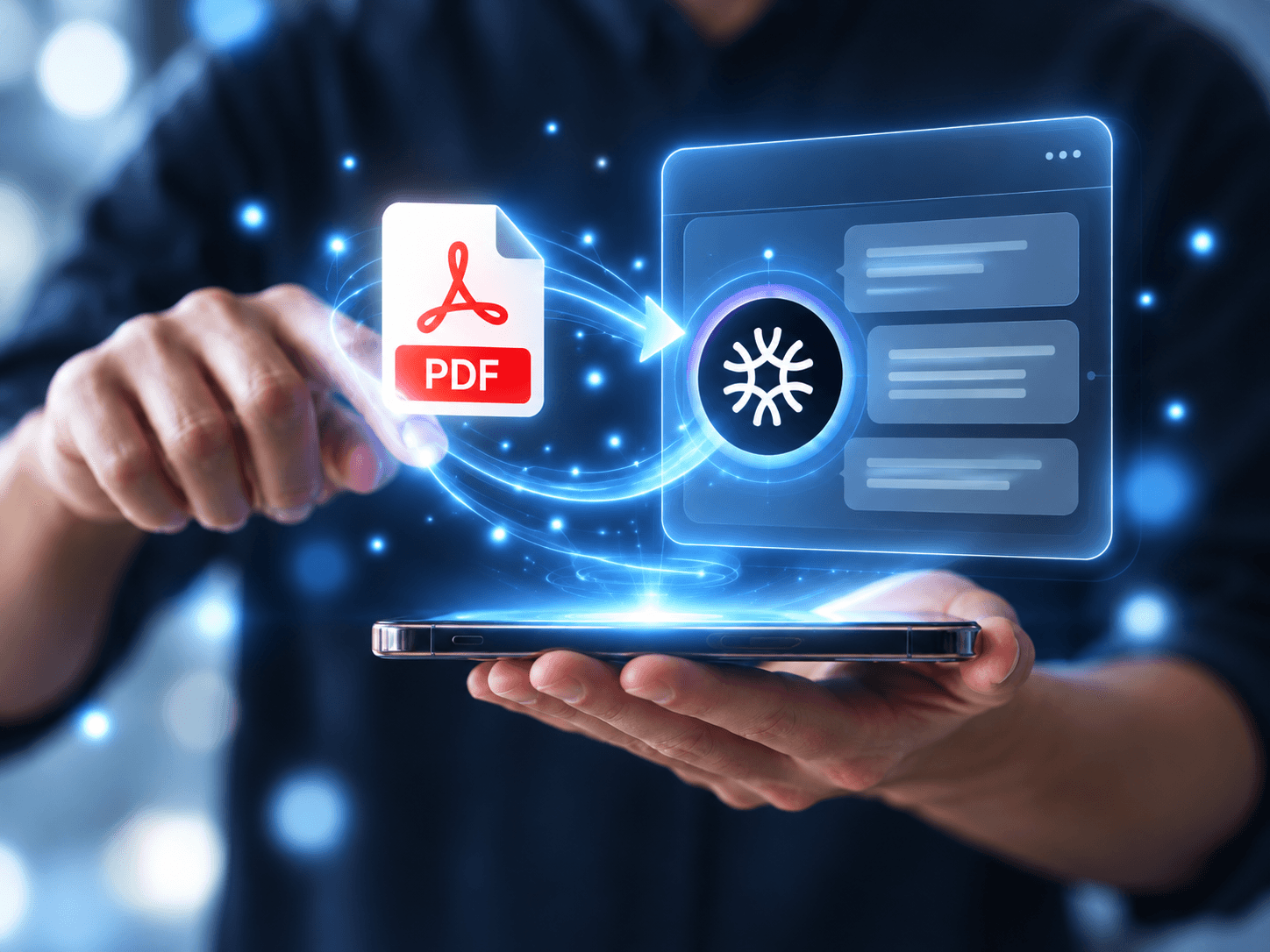
Reading a long PDF can take time, especially when you only need a few important details. Whether you're reviewing a business report, studying for an exam, or researching a topic, finding relevant information often means going through pages of text.
An AI PDF summarizer can simplify this process by identifying key points, explaining complex information, and answering questions about your document.
In this guide, we'll explain how to summarize PDFs with AI, share practical prompts, and show how tools like Chatbot App can make document analysis easier.
What Is an AI PDF Summarizer?
An AI PDF summarizer is a tool that analyzes PDF documents and creates shorter summaries of their content. Unlike traditional PDF readers, AI-powered tools can help you understand information rather than simply search for specific words.
You can use an AI PDF summarizer to:
Extract important findings from research papers.
Turn lengthy reports into short summaries.
Identify key dates, figures, and conclusions.
Explain complicated topics in simpler language.
Ask questions about specific sections.
These features can be useful for students, professionals, researchers, and anyone who regularly works with documents.
How to Summarize PDFs with AI in 4 Steps
Summarizing a PDF doesn't require technical knowledge. You only need a tool that supports document analysis and a clear idea of what information you're looking for.
Step 1: Choose an AI Tool with PDF Support
Start by selecting an AI chatbot that supports PDF uploads and document analysis.
For example, Chatbot App allows users with eligible subscriptions to upload PDF files, generate summaries, and ask questions about their documents.
You can also access multiple supported AI models through the platform without switching between separate services.
Step 2: Upload Your PDF
Open Chatbot App and use the + button in the message bar to upload your PDF.
You can work with research papers, business reports, study materials, or other supported documents.
For the best results, make sure the PDF is readable. Scanned pages, complicated layouts, or image-heavy documents may affect how accurately AI interprets the information.
Step 3: Request a Summary
Once your document is uploaded, explain what kind of summary you want.
Instead of writing "Summarize this PDF," try:
"Summarize this PDF in five bullet points. Focus on the main ideas, important findings, and conclusions."
If you're working with a business report, you could ask:
"Create a short executive summary highlighting the key results, challenges, and next steps."
Clear instructions help AI prioritize the information that's most relevant to your needs.
Step 4: Ask Follow-Up Questions
An initial summary doesn't have to be the end of your document analysis.
You can continue exploring the PDF by asking questions such as:
"What are the most important findings?"
"Can you explain the conclusion in simpler terms?"
"Which sections discuss potential risks?"
"What actions does the document recommend?"
This makes it easier to explore specific topics without repeatedly searching through the document.
Best AI Prompts for PDF Summarization
Good prompts help AI provide more focused and useful results. Here are three examples for different situations.
Quick Document Summary
"Summarize this PDF in 150 words. Include its main purpose, important points, and conclusions. Use simple language."
Best for: Quickly understanding reports, articles, or unfamiliar documents.
Research Paper Analysis
"Analyze this research paper and identify its research question, methodology, main findings, and limitations. Organize the response into clear sections."
Best for: Reviewing academic papers and organizing research information.
Business Report Summary
"Create an executive summary of this report. Highlight key metrics, important developments, potential risks, and recommended actions."
Best for: Preparing for meetings and understanding business performance.
You can adjust these prompts depending on the length of your document and the level of detail you need.
Tips for Getting Accurate AI PDF Summaries
AI can make document analysis faster, but summaries aren't always perfect. Following a few simple practices can improve the results.
Be specific: Tell the AI what information matters most and how you want it presented.
Check important details: Review key facts, numbers, and conclusions against the original document.
Ask for clarification: If something seems unclear, request a simpler explanation or more information.
Review complex formatting: Tables, charts, and scanned pages may not always be interpreted correctly.
Protect sensitive information: Check privacy policies before uploading confidential documents.
Remember that AI-generated summaries are most useful when combined with your own review of the source material.
Summarize and Explore PDFs with Chatbot App
Working with PDFs involves more than creating a short summary. You may also need to understand specific sections, extract useful information, or explore different explanations.
With Chatbot App, eligible users can upload PDFs, generate summaries, and ask questions about their contents within a single interface.
The platform also offers access to multiple supported AI models, allowing you to choose different approaches to analyzing information. Available features and usage limits depend on your subscription.
To learn more about choosing an AI tool for your needs, check out our guide on how to choose the best AI chatbot in 2026.
Conclusion
Learning how to summarize PDFs with AI can help you spend less time searching through documents and more time understanding important information.
Start with a clear prompt, request a structured summary, and ask follow-up questions when you need more detail. Always verify critical information against the original document.
Ready to simplify document analysis? Explore Chatbot App and discover how AI-powered PDF summaries can support your everyday tasks.
Frequently Asked Questions
Can AI summarize long PDF documents?
Yes. AI tools that support PDF uploads can analyze lengthy documents and generate summaries. Results may vary depending on document length, formatting, and tool limitations.
Can I ask AI questions about an uploaded PDF?
Yes. Chatbot App supports document-based questions, allowing eligible users to explore specific topics and request additional explanations.
Are AI-generated PDF summaries reliable?
AI summaries can be helpful, but they may contain errors or omit important details. Always verify critical information using the original PDF.